
Automated Snowflake Savings, Now in Greysight
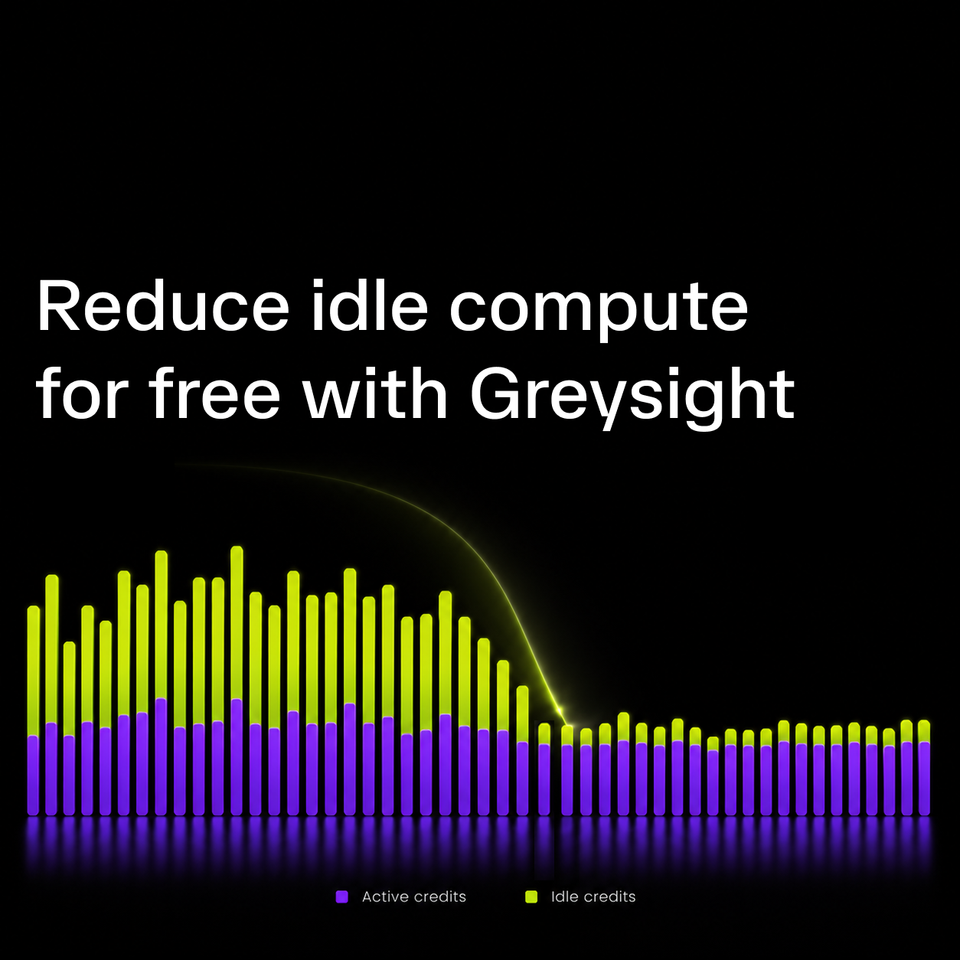
Most teams have AUTO_SUSPEND set to 60 seconds. While that's best practise, it still leaves a gap, especially on multi-cluster warehouses where a burst in queries can leave several clusters running idle.
Greysight can now close that gap. It watches warehouses and, once one meets the configured eligibility criteria, issues a suspend action to reduce credits spent idling. We are making Auto Savings free for now, though we will limit availability as demand grows.
Why auto-suspend is not enough
Snowflake bills warehouse compute by the second, but every resume has a 60-second minimum. Snowflake documents the billing model here.
Consider a warehouse that resumes for a one-second query. With AUTO_SUSPEND = 60, the warehouse stays active for another 60 seconds after the query finishes, billing you 61 seconds of compute.
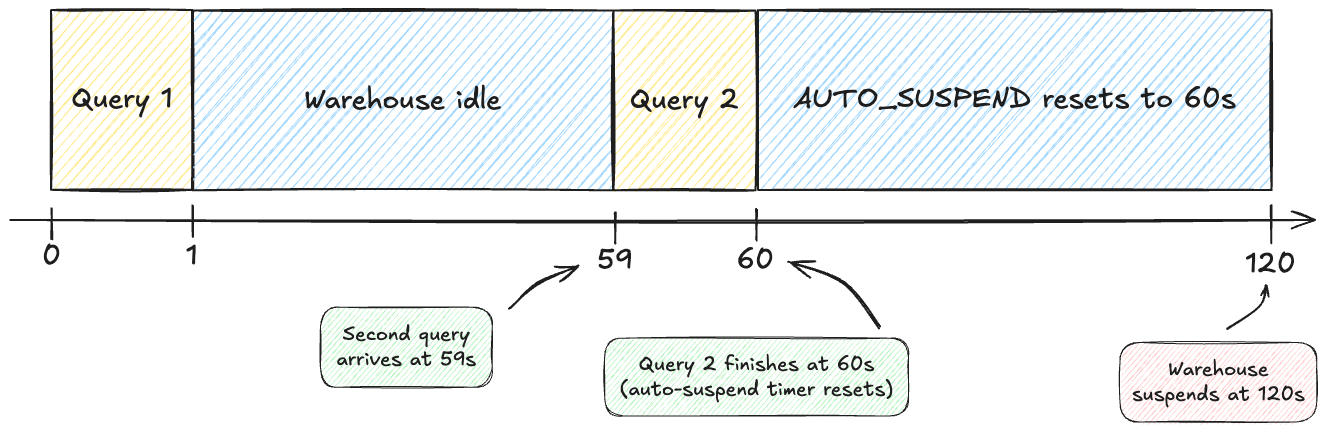
Now consider a second one-second query arriving at second 59. That query keeps the warehouse active for an additional 60 seconds by resetting the auto-suspend timer. Across two seconds of query execution, the warehouse remains active for 120 seconds.
The first 60 seconds are unavoidable: Snowflake had to resume the warehouse to run the query. The second 60s of idle is different, Snowflake bills by the second, so we should suspend the warehouse if it's idle since we can save those 60s of billing.
One minute is not much on one XSMALL warehouse. Across many warehouses, and across the repeated gaps in a busy account, it adds up.
The gap is worse on multi-cluster warehouses
Multi-cluster warehouses exacerbate the problem in a slightly different way. Under the STANDARD scaling policy, Snowflake aggressively adds clusters to prevent queries from queuing.
The first issue is that clusters can take a long time to scale back down after spinning up. Cluster spin down has a different suspend behavior but still extra clusters do not suspend despite queries finishing. Under the standard scaling policy, it can take several checks before Snowflake spins them down.
The second issue is that auto-suspend does not start until the warehouse has scaled back down to its minimum cluster count, which is usually one.

You can end up looking at a warehouse with five clusters running, no queries running, and no queries queued. We've often seen intermittent traffic keep clusters running despite not needing the additional concurrency.
Reduce warehouse idle time with Greysight
Greysight is an open source Snowflake cost observability tool which can now poll warehouse state every three seconds. It suspends an enabled warehouse only when all of the following are true:
- The warehouse has been up for at least 60 seconds.
- Its status is
STARTED. - It has zero running queries.
- It has zero queued queries.
This is an optimization commonly used by other Snowflake optimization tools, including Select and Keebo. Greysight makes it available for free in both the hosted version and open-source.
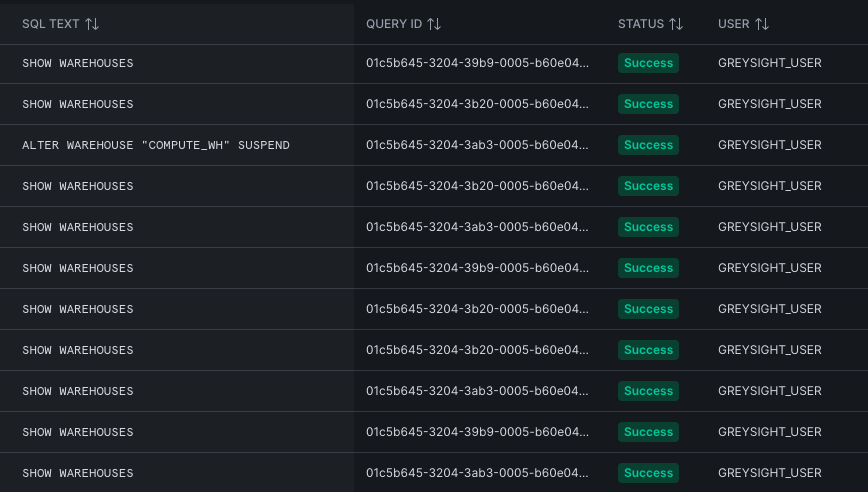
When SUSPEND is issued, Snowflake shuts down idle compute immediately. If statements are still executing or new queries are issued, Snowflake lets those resources finish first and then suspends the warehouse.
Get started
Auto Savings is available now in hosted Greysight or self-host at the repo below.
Connect your Snowflake account, review the warehouses you want Greysight to manage, and enable Auto Savings for the appropriate workloads. The feature is free for now. We will limit availability as demand grows.
What's next
Automated suspend is the first of a set of savings features we think every Snowflake account should have. Suspending idle warehouses is the obvious place to start because idle time is fairly universal, easy to see, and easy to act on.
Next is smarter scaling. The STANDARD scaling policy adds clusters aggressively and sheds them slowly, and the right tradeoff between queuing and idle clusters is different for every workload. Greysight will manage that so you get the clusters when you need them and stop paying for them when you don't.
Deeper observability comes alongside it: per-warehouse idle time, query insights, spend by query tag, and much more.
These features are free while Greysight is in its early access period, and capacity is limited so make sure you sign up now.

Comments ()